
width: 80%;
margin: 0 auto;
background: #fff;
font-family: -apple-system, BlinkMacSystemFont, “Segoe UI”, Roboto, Oxygen-Sans, Ubuntu, Cantarell, sans-serif;
color: #333;
line-height: 1.7;
text-align: left;
}
.blogpost-container h1 {
font-size: 2.5em;
color: #333;
margin-bottom: 20px;
line-height: 1.3;
border-bottom: 3px solid #FF6B35;
padding-bottom: 15px;
}
.blogpost-container h2 {
font-size: 1.8em;
color: #333;
margin-top: 40px;
margin-bottom: 20px;
border-bottom: 2px solid #FF6B35;
padding-bottom: 8px;
}
.blogpost-container h3 {
font-size: 1.4em;
color: #333;
margin-top: 30px;
margin-bottom: 15px;
}
.blogpost-container p {
margin-bottom: 18px;
font-size: 17px;
color: #333;
}
.blogpost-container a {
color: #FF6B35;
text-decoration: none;
border-bottom: 1px solid transparent;
transition: border-bottom 0.2s;
}
.blogpost-container a:hover {
border-bottom: 1px solid #FF6B35;
}
.blogpost-container ul,
.blogpost-container ol {
margin: 20px 0 20px 30px;
color: #333;
}
.blogpost-container li {
margin-bottom: 10px;
line-height: 1.7;
}
.blogpost-container strong {
color: #333;
font-weight: 600;
}
.intro-section {
background: #f9f9f9;
padding: 25px;
border-left: 4px solid #FF6B35;
margin: 30px 0;
border-radius: 4px;
}
.cta-box {
background: #f9f9f9;
padding: 30px;
margin: 40px 0;
border-radius: 8px;
border: 1px solid #e0e0e0;
text-align: center;
}
.cta-box h3 {
margin-top: 0;
color: #333;
}
.cta-button {
display: inline-block;
background: #FF6B35;
color: #fff !important;
padding: 15px 35px;
border-radius: 4px;
text-decoration: none;
margin-top: 15px;
font-weight: 600;
transition: background 0.3s;
border: none;
}
.cta-button:hover {
background: #e55a2a;
border-bottom: none;
}
.faq-container {
margin: 40px 0;
}
.faq-item {
background: #fff;
margin-bottom: 12px;
border: 1px solid #e0e0e0;
border-radius: 8px;
overflow: hidden;
}
.faq-question {
background: #f9f9f9;
padding: 18px 20px;
cursor: pointer;
font-weight: 600;
color: #333;
display: flex;
justify-content: space-between;
align-items: center;
transition: background 0.2s;
}
.faq-question:hover {
background: #f0f0f0;
}
.faq-question::after {
content: ‘+’;
font-size: 24px;
color: #FF6B35;
font-weight: bold;
}
.faq-question.active::after {
content: ‘−’;
}
.faq-answer {
max-height: 0;
overflow: hidden;
transition: max-height 0.3s ease-out;
padding: 0 20px;
background: #fff;
}
.faq-answer.active {
max-height: 1000px;
padding: 20px;
}
.faq-answer p {
margin: 0;
color: #666;
}
.feature-list {
background: #f9f9f9;
padding: 25px 30px;
border-radius: 8px;
margin: 25px 0;
}
@media (max-width: 768px) {
.blogpost-container {
width: 95%;
}
.blogpost-container h1 {
font-size: 1.8em;
}
.blogpost-container h2 {
font-size: 1.4em;
}
.blogpost-container h3 {
font-size: 1.2em;
}
}
What makes the Custom Popup Plugin so special?
Our Custom Popup Plugin is not a standard off-the-shelf solution. We developed it to solve a specific problem: How do you recover shopping cart abandonment without being intrusive?
At the heart of the plugin is exit-intent technology. This technology precisely detects the moment when a visitor wants to leave your site – but only if there are still items in their shopping cart. The technology is based on mouse movement detection, as used in professional marketing automation tools from Optimizely. At that precise moment, the popup appears with an attractive offer.
The most important features at a glance
How to set up your first shopping cart recovery pop-up
Setup is very simple and follows a clear 4-step process. I will now guide you through the entire configuration.
Step 1: Create and design the popup
Navigate to Popups in your WordPress dashboard and click on New Popup. The Gutenberg editor will now open – your creative playground.
Here you can design your offer to be visually appealing. Combine images, text, and a compelling call-to-action button. Remember: the pop-up appears just when the customer is about to leave. So your offer has to be really attractive.
Step 2: Integrate the coupon code
In the right sidebar panel, you will find the WooCommerce section. This appears automatically as soon as WooCommerce is active. Activate the function for the WooCommerce cart abandonment popup there.
The special coupon code field is particularly useful. It offers your customers a stylish box with an integrated copy-to-clipboard button. One click and the discount code is copied. It couldn’t be easier.
Step 3: Set triggers and display rules
Select the exit intent trigger as the trigger. The popup will then only be displayed if two conditions are met:
Since this type of pop-up serves to increase sales, it appears automatically throughout the entire shop. This means you don’t need to make any further targeting settings.
Step 4: Add animation and publish
To increase attention, you can set an entrance animation. Bounce or shake effects work particularly well. When you are satisfied with the design and settings, click Publish.
Your smart shopping cart assistant is now live and working around the clock to reduce abandonment.
Custom plugin development: How we work at 2fox4
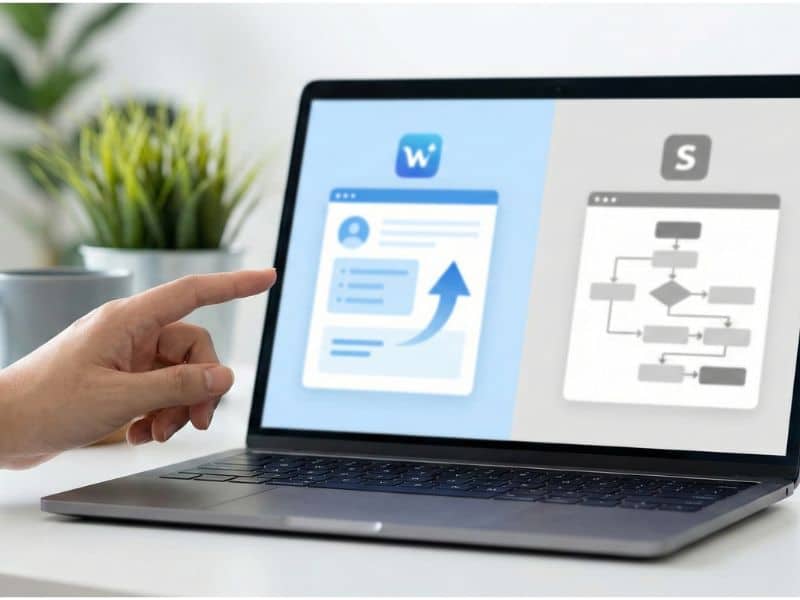
The Custom Popup Plugin is just one example of our work. At 2fox4, we regularly develop custom WordPress plugins for our customers – always with the goal of elegantly solving specific problems.
Our development process
If you need a custom plugin, we will go through the following phases together:
And best of all: We then make many of these individually developed plugins available to the community free of charge. This benefits not only our customers, but the entire WordPress community.
Why free plugins from an agency?
We hear this question often. The answer is simple: we believe in the open-source principle on which WordPress is based. In addition, many plugin problems are universal—if one customer needs a certain functionality, many others probably do too.
That’s why we develop plugins to be flexible. After completing them for our customers, we revise them again to make them generally usable. This version is then made available free of charge in the WordPress Plugin Directory or on our website.
More free 2fox4 plugins for WordPress
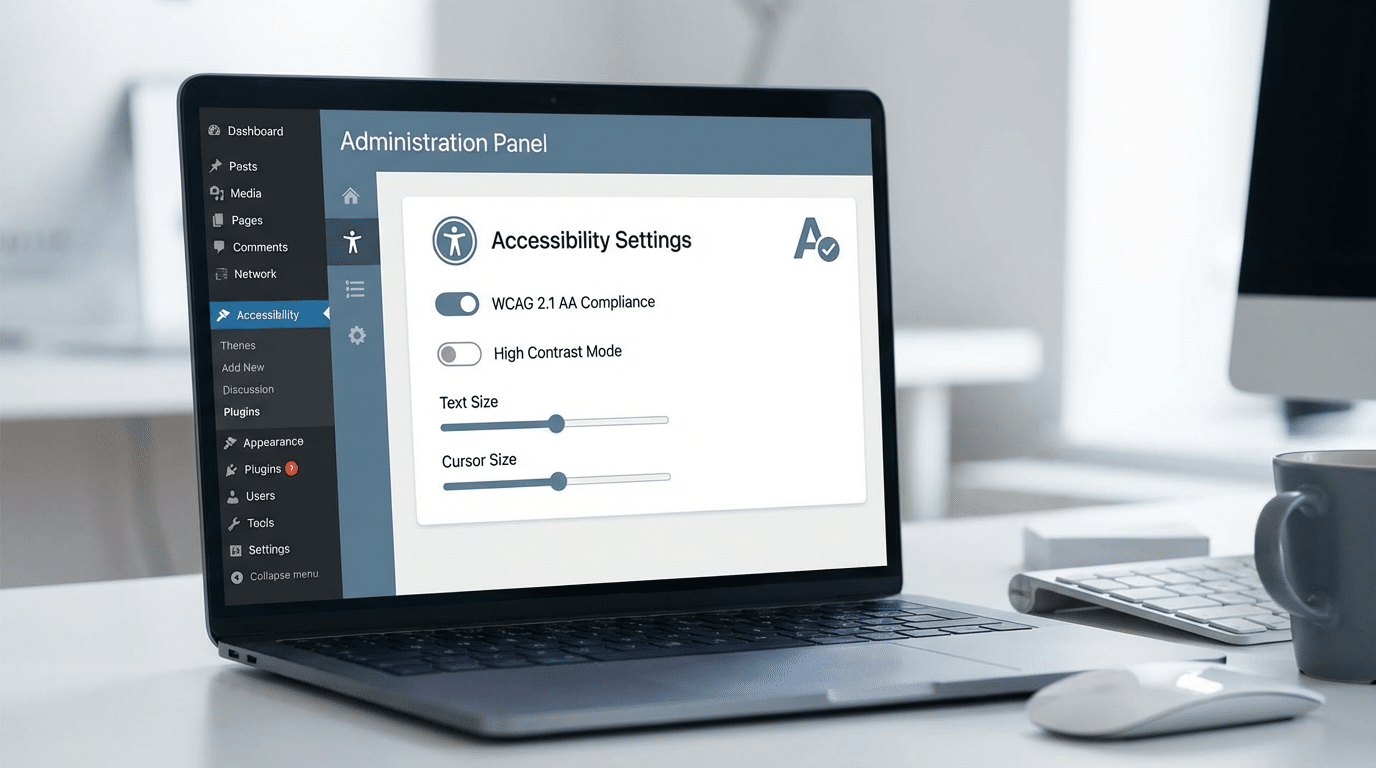
In addition to the Custom Popup plugin, we have already developed other professional solutions. A particularly recommended example is our 2fox4 Accessibility Suite – a comprehensive accessibility plugin that makes your website WCAG-compliant.
All our plugins follow the same principles and are based on the official WordPress plugin guidelines:
Integration with WooCommerce: More than just a popup
Deep WooCommerce integration makes the Custom Popup plugin a powerful sales tool. It knows the status of your shop and responds intelligently.
Intelligent shopping cart detection
The plugin checks in real time whether there are items in the shopping cart. Only if this is the case is the exit intent trigger activated. Visitors who are just browsing are not disturbed.
This intelligent logic ensures that your popups are not perceived as annoying. They only appear when they are really relevant – namely when there is a concrete purchase intention.
Automatic coupon application
The Copy to Clipboard button makes redeeming coupons a breeze. Customers don’t have to laboriously type in or remember the code. One click copies the code, another click inserts it at checkout.
This frictionless experience is crucial. Every additional step in the checkout process increases the abandonment rate. Our plugin consistently minimizes this friction.
Best practices: How to get the most out of your pop-up
A good plugin is just the beginning. How you use it is crucial. Here are my most important recommendations from 20 years of e-commerce experience:
1. Offer real added value
Your discount must be attractive. 5% is not enough in most cases. I recommend at least 10%, or better yet, 15% or more. Alternatively, you can offer free shipping—this is often just as effective. A Shopify study shows that unexpected shipping costs are the main reason for shopping cart abandonment.
2. Keep the text short
The visitor is about to leave. You have a maximum of 3-5 seconds to get your message across. Be clear and direct:
3. Test different variations
A/B testing is also crucial for pop-ups. Tools such as VWO can help with this. Test different:
4. Analyze the results
Use Google Analytics or WooCommerce reports to measure performance. Important metrics include:
Performance and loading times: no compromise
A common problem with pop-up plugins is their negative impact on loading time. Every additional script slows down your website—and speed is an important Google ranking factor.
When developing the Custom Popup plugin, we therefore placed particular emphasis on performance:
The result: The plugin adds less than 20 KB to your website—negligible compared to the potential increase in sales.
GDPR compliance and data protection
As a German agency, we know how important data protection is. The Custom Popup Plugin is fully GDPR-compliant and takes into account all the requirements of the General Data Protection Regulation:
You can use the plugin without hesitation, without additional data protection notices or cookie banner adjustments.
The future: Planned features and updates
We are continuously developing our plugins. Several updates are already planned for the Custom Popup Plugin:
All these features are of course provided free of charge as updates.
Do you need a custom plugin for your project?
Whether you need a custom popup, special e-commerce features, or unique workflow automations, we’ll develop the perfect solution for your requirements. With over 20 years of experience in WordPress development and e-commerce, we understand the challenges and know how to solve them.
Request a non-binding quote now
Other relevant topics for WordPress professionals
Plugin development is just one aspect of successful WordPress projects. If you want to take your website to the next level, I also recommend these articles:
Frequently asked questions (FAQ)
Conclusion: Small investment, big impact
The Custom Popup Plugin from 2fox4 is a prime example of how well-designed software can solve specific business problems. Shopping cart abandonment costs online stores billions every year. With an intelligent exit-intent popup, you can recover a significant portion of this lost revenue.
Installation takes five minutes, setup another ten. The potential return on investment is enormous—especially considering that the plugin is free.
But the Custom Popup plugin also represents our philosophy at 2fox4: We develop tailor-made solutions for real problems and then pass these solutions on to the community. Open source thrives on such contributions, and we are proud to do our part.
If you have specific requirements that go beyond standard plugins—whether complex e-commerce automations, custom backend solutions, or unique frontend features—get in touch with us. With over 20 years of experience in WordPress development and digital marketing, we are sure to find the optimal solution for your project.
Get started now with the Custom Popup Plugin
Download the plugin, install it in a few minutes, and start reducing your shopping cart abandonment. Or contact us for custom plugin development.
Get in touch now